> For the complete documentation index, see [llms.txt](https://docs.sanko.xyz/llms.txt). Markdown versions of documentation pages are available by appending `.md` to page URLs; this page is available as [Markdown](https://docs.sanko.xyz/sanko-mainnet/sankotools/terminal-elements/market-data-elements.md).
# Market Data Elements
## Price Candles
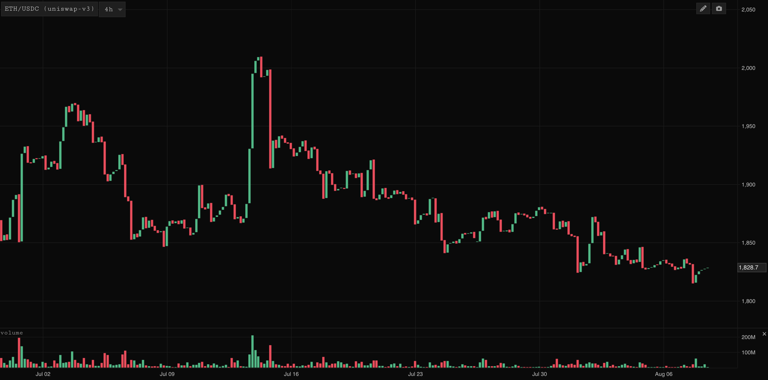
At its core the Price Candles component is a charting tool to view and monitor the price and volume of any token by entering its symbol or the relevant pool address via the primary tab in the element settings.
Graphic overlays such as lines, rectangles, text, or indicators can be displayed using SankoTools as with any other charting tool:
## Trades
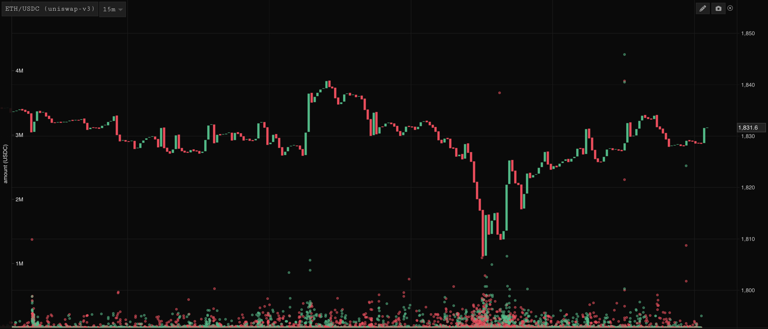
The trades tab in the element settings features a trade explorer, a table and range selector for looking at top traders and other key metrics, and an overlay which overlays trades on top of the price chart.
Trade Explorer
Trades Overlay
## Compare
With Compare one can add additional price series' to the chart to look at the relative performance of 2 or more assets:
## Contracts
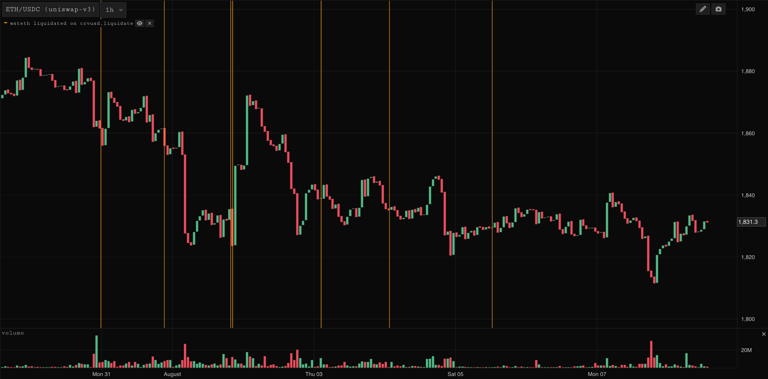
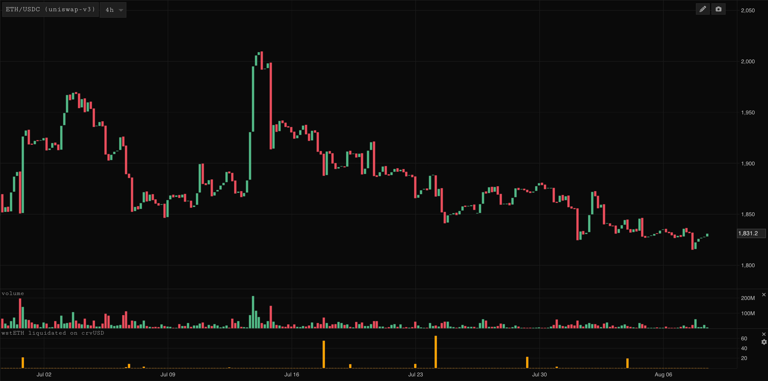
Sankotools users can overlay arbitrary event logs from any contract using the Contracts feature. We can visualise these event logs both an instances and in bar chart form.
Contract Logs shown as instances
Contract Logs shown as bar chart
## Trades Stream
The Trades Stream element is a customizable table showing the trades of a token alongside other key metrics across the venues and chains we cover in a streaming fashion over time:
The element can be customized both by adding/removing columns, setting a minimum trade size, filtering by taker address and selecting the venues/chains from which the element pulls trades.
## DeFi Firehose
The DeFi Firehose is similar to Trades Stream in that it is a customisable table showing streaming activity over time but instead of just showing trades, the DeFi Firehose shows DeFi events across the spectrum:
* lend
* repay
* trades
* borrow
* withdraw
* liquidation
* remove liquidity
* add liquidity
in the settings one can filter by:
* minimum event size
* include/exclude a single token or list of tokens
* a single address or address list
* chain (select one or multiple of the chains we cover)
* event (select one of multiple events)
* venue (select one or multiple of the venues we cover)
You can also add a sound to be alerted if a new event occurs according to the criteria defined. The DeFi Firehose is a good way of creating event streams surrounding a token, address or address list of interest. For example we might want to create an address list of the top holders of some token and watch their trades over a certain $ threshold to see whether top holders are buying or selling.
##